 11
11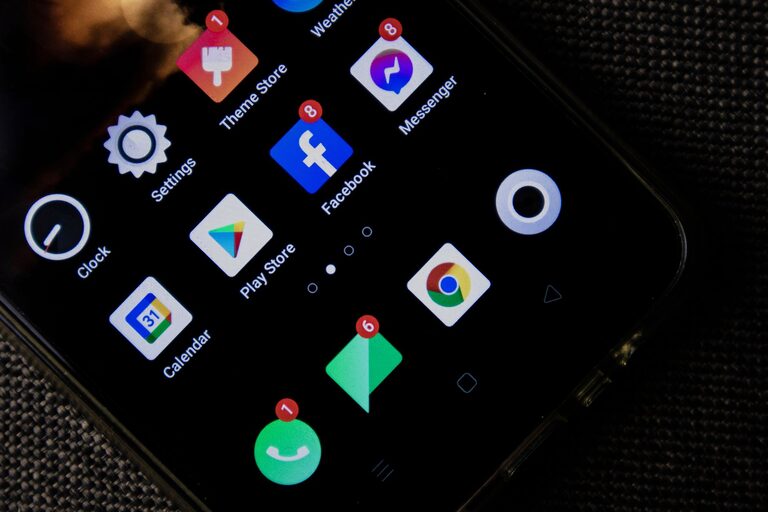
In today’s connected world, notifications are everywhere—from emails and social media alerts to messaging apps and news updates. While they keep us informed, constant notifications can also interrupt our concentration and increase stress. Setting boundaries with notifications is essential to reclaiming focus and maintaining a healthy digital life.
In this post, we’ll explore practical tips for managing notifications effectively, helping you stay productive and reduce unnecessary distractions.
Before diving into tips, it’s helpful to understand why managing notifications matters:
– Improves Focus: Notifications interrupt tasks, breaking your concentration and making it harder to return to work.
– Reduces Stress: Constant alerts can create a feeling of being overwhelmed or “always on.”
– Protects Personal Time: Setting limits ensures technology doesn’t take over your free moments or rest periods.
– Increases Productivity: With fewer interruptions, you complete tasks more efficiently.
Start by reviewing which apps and services send notifications. Ask yourself:
– Do I really need alerts from this app?
– Is the information timely or can I check it later?
– Does this notification add value or just create noise?
Disable notifications from apps you rarely use or those that don’t require immediate attention.
Most smartphones and computers have modes to silence notifications temporarily:
– Do Not Disturb (DND): Blocks all notifications except those you allow, such as calls from family.
– Focus Modes: Customizable settings that let you choose which notifications you want at work, during personal time, or while sleeping.
Schedule these modes during meetings, focused work sessions, or rest hours to keep interruptions to a minimum.
Beyond turning notifications on or off, many apps allow you to:
– Choose notification types (banners, sounds, badges).
– Set quiet hours or notification summaries.
– Limit notifications to important contacts or topics.
Adjust these settings based on your priorities to reduce unnecessary alerts.
Instead of responding to notifications as they come in, try batching:
– Designate specific times during the day to review emails, messages, and other alerts.
– Turn off notifications outside these times to avoid distractions.
– This approach helps you stay in “flow” and reduces the urge to constantly check your devices.
Some notifications are non-urgent and can be disabled entirely:
– Social media likes or comments.
– News alerts.
– Promotional messages from apps.
These can wait until you actively choose to check them.
Several apps and tools help manage notification overload:
– Notification managers: Apps that organize or silence alerts based on your preferences.
– Email filters: Automatically sort incoming emails so only important ones trigger notifications.
– Focus boosters: Tools that block distracting apps during work.
Explore options that match your workflow and needs.
Let colleagues, friends, and family know when you’re limiting notifications:
– Set expectations about response times.
– Share your preferred communication methods.
– This helps reduce pressure to respond immediately and supports your boundary-setting.
Your needs will change over time. Make it a habit to reassess your notification settings periodically:
– Are you still receiving too many alerts?
– Has your work schedule or routine changed?
– Which settings are helping, and which aren’t?
Adjust accordingly to keep your system working effectively.
– Create device-free zones: Avoid using phones or computers in bedrooms or during meals.
– Practice mindful usage: Be conscious of how often you check notifications and why.
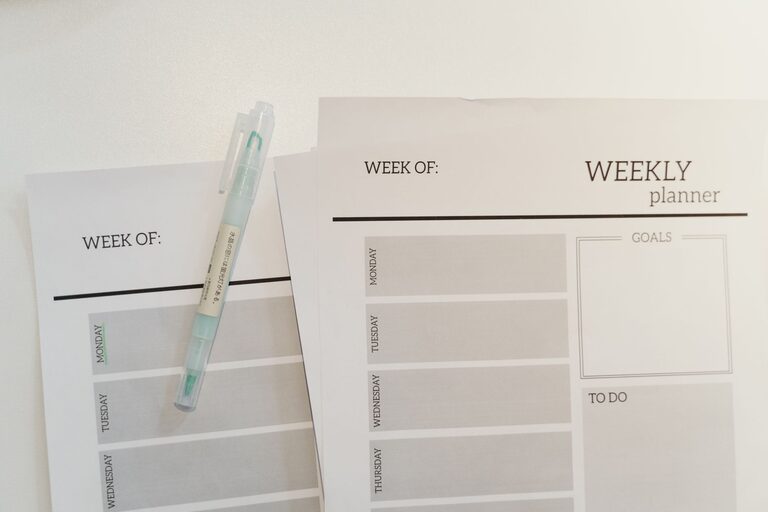
– Use physical reminders: If you turn off notifications, use a notebook or calendar to jot down urgent tasks.
Managing notifications is a key step toward improving focus, reducing stress, and protecting your personal time. By auditing alerts, customizing settings, and communicating your boundaries, you can take control of your digital environment. Start small with a few changes, and you’ll likely notice a big difference in your productivity and wellbeing.
Remember, technology is a tool meant to support you—not distract. With thoughtful boundaries, you can enjoy its benefits without feeling overwhelmed.