
 11
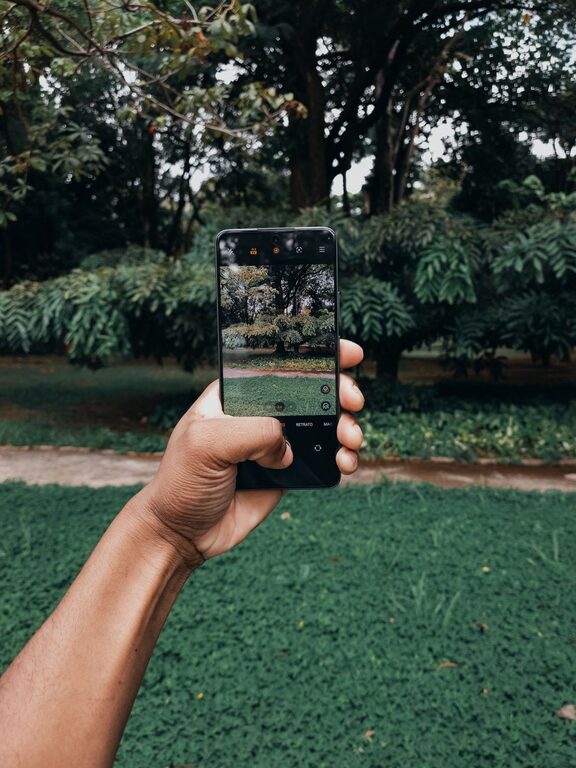
11 Taking great photos with your phone is easier than you might think. With a few simple tips and a little practice, anyone can capture beautiful images that stand out. Whether you’re shooting landscapes, portraits, or everyday moments, these beginner-friendly tips will help you make the most of your smartphone camera.
Before you start snapping away, it’s important to get familiar with your phone’s camera features. Most smartphones today come equipped with advanced cameras offering settings like HDR, portrait mode, and manual controls.
– Explore your camera app: Open the camera on your phone and try out different modes like panorama, time-lapse, or night mode.
– Learn to use focus and exposure: Tap on the screen where you want the focus to be sharp. Many phones also allow you to adjust exposure (brightness) by sliding your finger up or down.
– Keep your lens clean: A quick wipe of the camera lens with a soft cloth can make a big difference in image clarity.
Good composition makes photos more interesting and pleasing to look at. Here are some basic composition tips to keep in mind:
Imagine your screen divided into a grid with two horizontal and two vertical lines. Placing your subject along these lines or at their intersections creates a balanced image.
– Most phones allow you to turn on a grid in the camera settings.
– Try positioning your main subject off-center instead of always putting it right in the middle.
Lighting plays a huge role in photography. Natural light is often the best choice.
– Shoot during the “golden hour,” the hour after sunrise or before sunset, for warm, soft light.
– Avoid harsh midday sun that causes strong shadows and highlights.
– If you’re indoors, shoot near windows or well-lit areas.
A cluttered or distracting background can take attention away from your subject.
– Look for simple, clean backgrounds.
– Move around to find a better angle or change your distance from the subject.
Blurry photos are usually caused by shaky hands or low light.
– Hold your phone with both hands and keep your elbows close to your body.
– Lean against a stable surface or use a tripod if you have one.
– Use the timer or a remote shutter to reduce shake when pressing the shutter button.
Don’t be afraid to get creative with how you frame your shots.
– Try shooting from low angles to make subjects look larger or more dramatic.
– Capture images from above for a unique viewpoint.
– Move closer to highlight details or step back for a wider scene.
Editing can enhance your photos without needing expert skills.
– Use your phone’s built-in editing tools to adjust brightness, contrast, and saturation.
– Crop photos to improve composition or remove distractions.
– Avoid over-editing, which can make photos look unnatural.
The more you practice, the better your phone photography will become.
– Take photos daily or whenever you have a chance.
– Review your shots and note what works well or what could be improved.
– Learn from other photographers by studying their photos online.
Smartphone cameras are powerful tools that can capture memorable moments beautifully. By understanding your camera, paying attention to composition, lighting, and stability, and practicing regularly, you’ll see your phone photos improve quickly. Remember that great photography is about creativity and having fun—so snap away and enjoy capturing the world around you!